
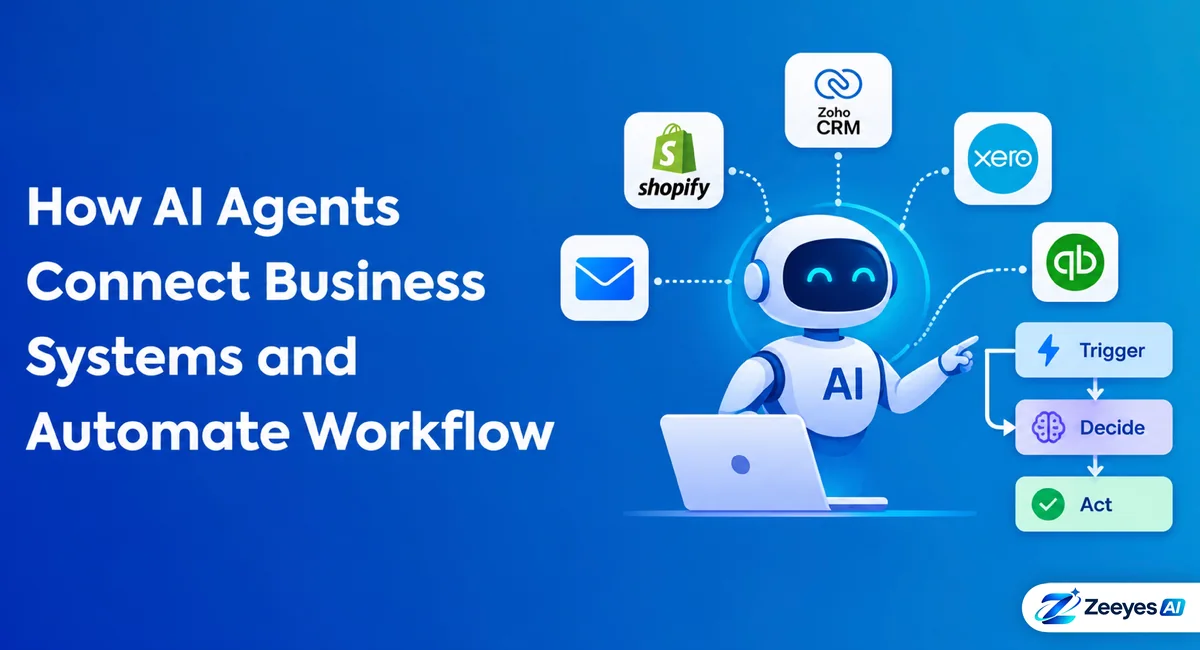
Short answer: AI agents are software helpers that read data in one business app, decide what to do with it and act in another app. They automate workflows by connecting your tools through APIs, so work moves between them without manual copying.
Key takeaways
- An AI agent connects to your apps, understands the data it finds and takes the next step.
- Agents suit messy input, like emails and documents. Fixed rules still suit simple, predictable steps.
- Start with one process, keep a person reviewing key decisions and check the run logs.
What are AI agents, and how do they connect business systems?
Most businesses run on many tools: a CRM, accounting software, an online store, an email platform. Each holds part of the story, and someone usually copies details from one to another.
AI agents close that gap. They link to each app, read the data they need and update the other apps for you. If you are new to the topic, our guide to business process automation with AI covers the basics.
How the connection works
An agent connects to an app through its API, or through a standard such as MCP (more on that below). Once connected, it can read records, create new ones and update existing ones.
How an agent differs from a fixed rule
A fixed rule says, “When a deal is won, create an invoice.” An agent can go a step further. Say a customer writes about a late order. The agent can find the order in your store, check its status and draft a reply for a person to approve.
Why a person stays in the loop
Agents should not run unchecked. A sensible setup lets them handle routine steps and sends important or unusual decisions to someone who can judge them.
How AI agents automate a workflow
Most agent workflows follow the same three parts: trigger, decide, act.
1. Something triggers the agent
A new lead, an order, a form or an incoming message starts the workflow, and the agent picks up the details.
2. The agent reads and decides
It checks the data, sorts or matches it and tests it against your conditions. It might mark an enquiry as urgent, or notice that the customer already exists in your CRM.
3. The agent acts and logs the result
It updates the right apps, for example by creating a task or an invoice, and records what it did. The log matters because you can review each step and fix problems quickly.
6 practical examples of AI agents connecting business systems
These are common places where connected workflows save time.
1. Zoho CRM to Xero invoices and payments
When a deal closes, a workflow can create the invoice in your accounting tool, and payment status can flow back to the CRM. Nobody re-types the deal. Xapplets connects Zoho CRM with Xero and QuickBooks. For a rule-based example, read our Zoho CRM to Xero purchase order case study.
2. Shopify orders into your CRM and accounting tool
When a customer places an order, the order, customer and payment details can reach your CRM and accounting tool automatically. High-value orders can also be flagged for a salesperson.
3. Customer message triage
Messages often sit in a shared inbox until someone has time to read them. An agent can read each one, work out the topic and create a tagged task for the right person.
4. SEO monitoring and reporting
An agent can check a website on a schedule, spot SEO issues and send a short report. Your team then spends its time fixing problems, not collecting data.
5. Healthcare data with HL7
Clinics and hospitals use HL7 messages to share records between systems. A workflow can encode and decode these messages and pass lab results to the right system, which cuts down manual re-entry.
6. Data migration between tools
Moving to a new platform is easier when records travel through a workflow that maps each field from the old tool to the new one. AI-assisted mapping can speed up the setup, and a person still checks the result.
AI agents vs traditional automation: which should you use?
An agent is not always the right answer. A simple rule sometimes does the job better. As a rule of thumb, if the input always has the same shape, use a rule. If it changes every time, consider an agent.
| Fixed rules | AI agents | Custom code | |
|---|---|---|---|
| Best for | Simple, predictable steps | Messy input, like emails and documents | Unusual systems or special requirements |
| Strengths | Easy to predict and audit | Can read, sort and decide | Built exactly to your needs |
| Watch out for | Struggles when data varies | Needs clear limits and human review | Takes longer to build and maintain |
Many teams combine them: rules for the steps that never change and an agent for the parts that need judgment. In Xapplets, you can add AI steps to a workflow next to normal conditions.
What is MCP, and why does it matter for AI agents?
MCP, short for Model Context Protocol, is an open standard introduced by Anthropic in 2024. It gives AI models one consistent way to connect with tools and data. Without it, each connection needs its own custom work.
Xapplets supports MCP as both a server and a client. As a server, it can offer your workflows to AI tools. As a client, it can use other MCP tools inside a workflow. Check the Xapplets site for current details.
How to start automating workflows with AI agents in 5 steps
- Pick one process that is slow, repeated and easy to describe.
- List the apps involved and the fields that must match.
- Decide where a person should review the result.
- Test with real records before you go live.
- Check the run logs and measure the time saved.
A lesson from our own projects: map your fields before you build, and test with real records before launch. Then read the run logs in the first few days, because small mismatches, such as tax codes, show up there first.
What Xapplets offers for AI agent workflows
Xapplets is an AI workflow automation platform built by Zeeyes AI for teams that want connected apps without heavy coding. It includes:
- A visual Workflow Studio with version history
- 150+ app integrations, plus database connectors
- AI agents, AI auto-mapping and runtime AI model switching
- MCP server and client support
- Execution logs for every run
- More than a dozen extensions for Zoho CRM
When you need custom work
A ready-made workflow covers most common needs. If you have an in-house system, an unusual process or a large migration, custom work may fit better. Zeeyes AI builds custom AI solutions, integrations and data migrations, and supports them after launch.
Frequently asked questions
What are AI agents in workflow automation?
They are software helpers that read data, make simple decisions and take actions across your apps. They handle routine steps in a workflow, so people can spend their time on work that needs judgment.
How do AI agents connect different business systems?
They connect through each app’s API, or through standards such as MCP. An agent reads data from one app, creates or updates records in another, and logs what it did so you can check the result.
How are AI agents different from traditional workflow automation?
Traditional automation follows fixed rules. AI agents can also read messy input, such as an email, and choose between options. Many teams use both: rules for steps that never change, and an agent for steps that need judgment.
Do I need coding skills to use AI agents for automation?
Not always. No-code tools let you build workflows visually. Unusual systems, custom data formats or in-house software can still need a developer.
Are AI agents safe to use with business data?
They can be, when you set clear limits. Give each connection only the access it needs, keep run logs, and have a person review important decisions. Check any tool’s security details before you connect it.
Not sure which workflow to automate first?
Tell us what slows your team down, and we will suggest a starting point.
